Record Script
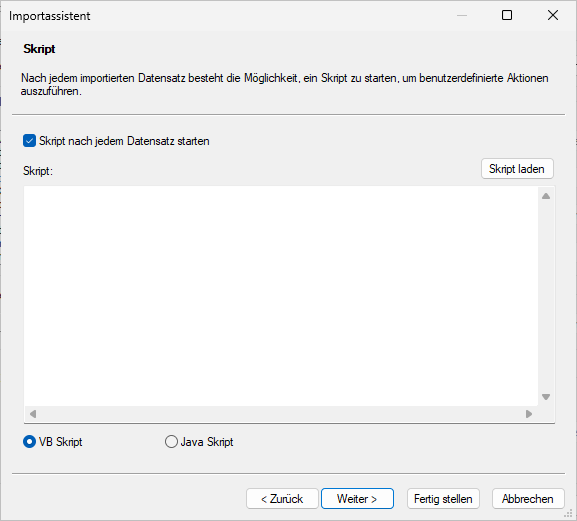
You can run a script after importing a record.
In the dialog, enable Start script after each record and enter the script or upload a script from the file system.
The script language – VBScript or JavaScript – is specified.
Record scripts can change the value of the variable 'RecordsetError.RecordInvalid' from import data to 'true' in order to define the respective record as corrupt (see Log Settings).
The variable 'strFieldValues' allows you to access the field and fixed field values of the import file within record scripts. Additional actions can be performed after importing, depending on the value content of fields and fixed fields. For example, objects can be modified or connected to other objects.
 on the right.
 areas. Use the toolbar to show all hidden areas at once:
