Date Add-On
The date add-on adds a calendar. The user can use the calendar to choose a date to enter in a date field.
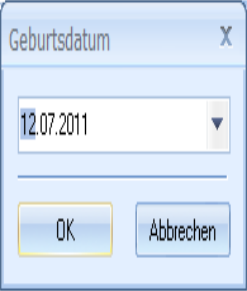
If the user clicks the Add-on button, a dialog in which the user can enter a date will be opened. The dialog is prepopulated with the current date.
The user can open a calendar using the associated arrow button and transfer a date from it to the field.
Insert EXTRA00=CALENDAR into the configuration field to directly open the calendar and to transfer the selected date to the index data field.
Select Add-on in the Catalog line of the properties window of a text field of the database type 'Date' to display the Add-on tab.
Use the file selection dialog to select the axaddate.dll file located in the enaio® editor installation directory and the administration components.
No further configuration is required.
 on the right.
 areas. Use the toolbar to show all hidden areas at once:
