Customizing enaio® data2ecm
enaio® data2ecm 12.0
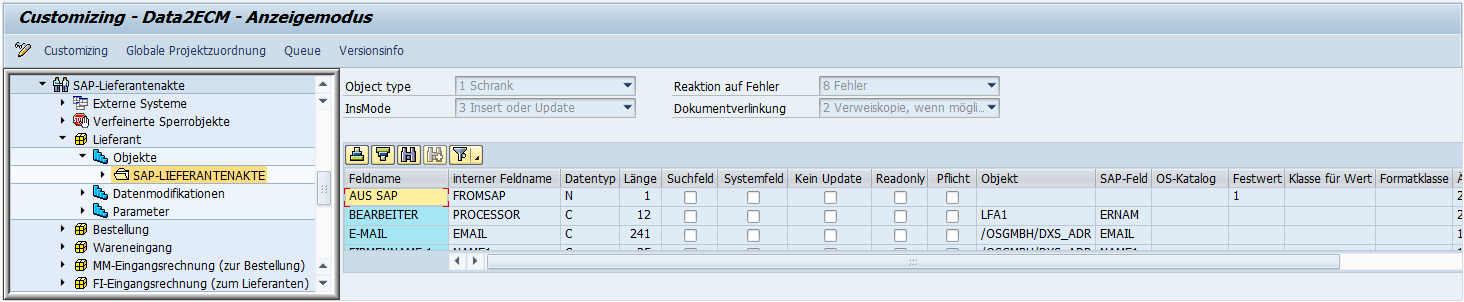
enaio® data2ecm Customizing is launched via the transaction /OSGMBH/D2E_CUST. As an example, the screenshot below shows a section of the Customizing screen for a supplier record.
The customized settings are transferred between the individual SAP® systems via the standard SAP® transport route to the production system. Connection Settings, projects, and project assignments are exported.
Additional information can be found in the relevant The settings to be made in SAP® for enaio® data2ecm can be maintained in the transaction /OSGMBH/D2E_CUST. This should be saved as a favorite before it is called..
 on the right.
 areas. Use the toolbar to show all hidden areas at once:
