Installing enaio® mobile
enaio® 11.10
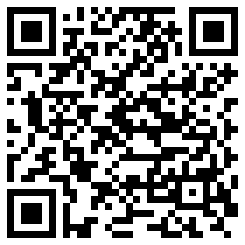
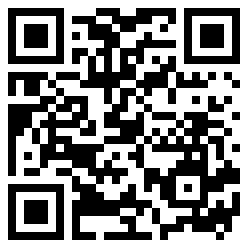
The installation file for enaio® mobile is available to users on the corresponding Google and Apple app stores.
|
(version 12 or later) |
(version 17 or later) |
|---|---|
|
|

Users need the server address (IP or URL) as well as the user name and password to log in.
The server address and user data, for the demo system, for example, can be provided via mobile device management tools:
| Android |
MDM management console:
|
| iOS |
MDM management console:
A configuration file, which you can use as a template, is available for download: |
 on the right.
 areas. Use the toolbar to show all hidden areas at once:
